
Smart Property · Visitor Management
Visitor Management
Connect visitor registration, approval and temporary QR entry with access records.
Discuss your visitor management setup

Practical advantages
Registration forms
Choose the fields required for visitor registration and send confirmation emails after submission.
Approval and temporary passes
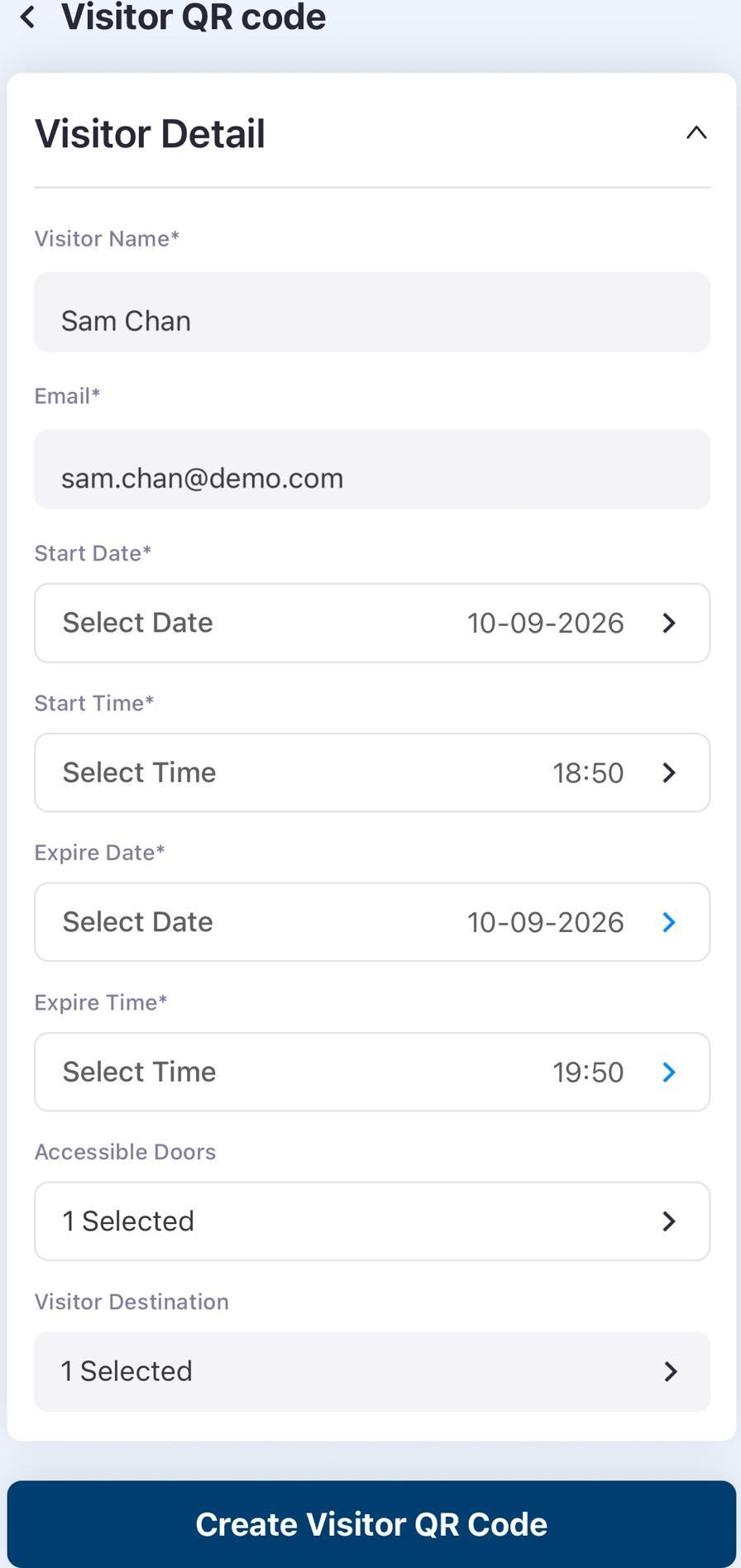
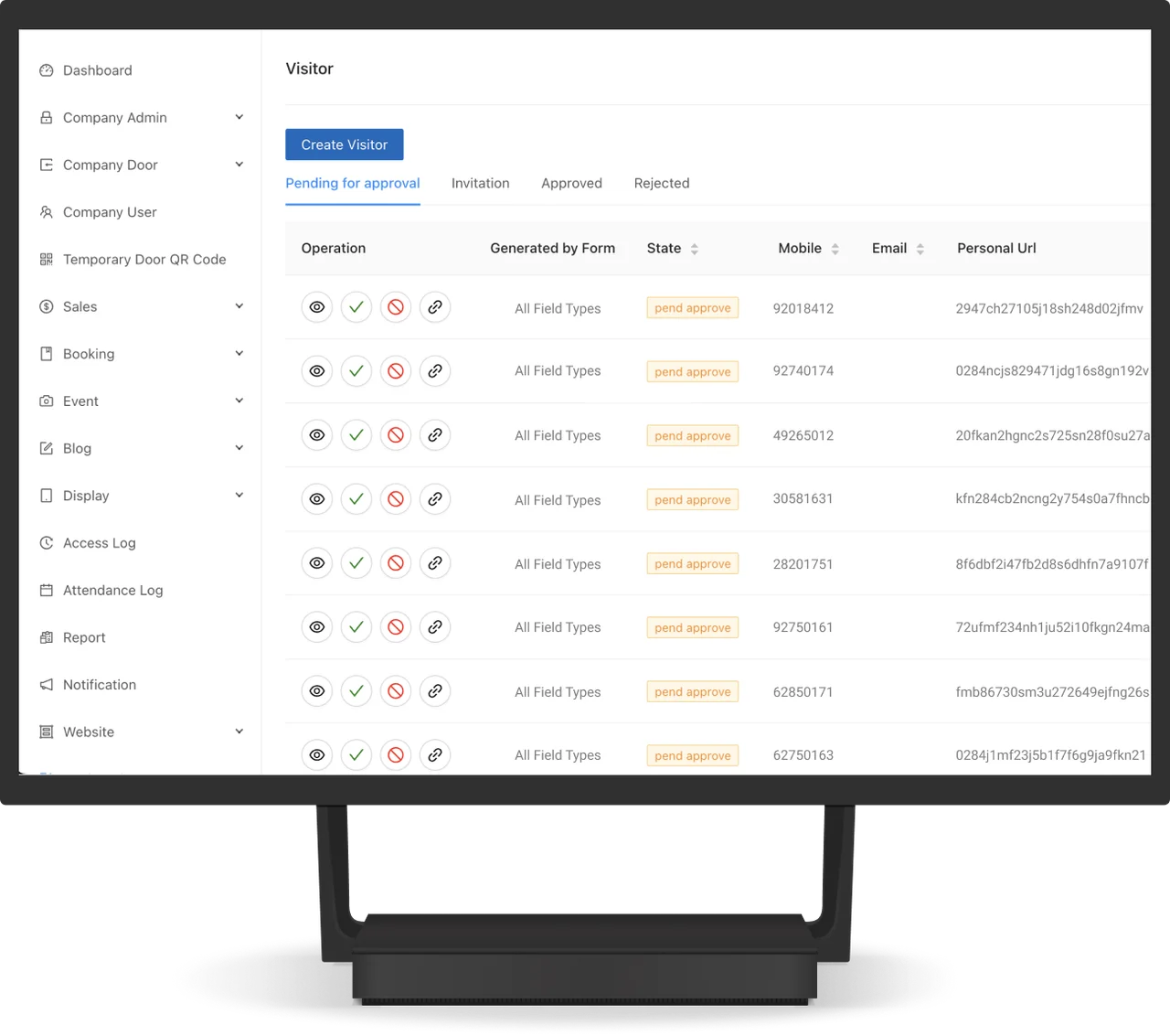
Use automatic or manual form approval, or create a temporary QR code directly for a guest.
Visitor records
Review visitor activity and occupancy in the dashboard and export access logs and reports.
Everyday scenarios
Scheduled guests
Send a registration form before a visit, review the submission and provide a QR code for arrival verification.
Direct guest invitations
Staff can create a temporary QR pass for a guest without first creating a registration form.
How it works

Register or invite
Collect the required information through a form or create a guest QR code directly.
Approve and verify
Apply the chosen approval arrangement and scan the visitor QR code on arrival.
Review access
Check access logs and reports in the admin panel.
Plan your setup
Registration information
Choose the form fields and automatic or manual approval process.
Entrance equipment
Assess the doors, gates, turnstiles or lifts that need to connect.
Reception arrangements
Confirm pre-registration, kiosk or staff-assisted registration requirements.
Common questions
Can the registration form be customised?
Choose the fields required for visitor registration and send confirmation emails after submission.
Can staff issue a pass directly?
Use automatic or manual form approval, or create a temporary QR code directly for a guest.
What needs to be assessed at the entrance?
Choose the form fields and automatic or manual approval process.
Can access records be exported?
Review visitor activity and occupancy in the dashboard and export access logs and reports. The system also provides alerts for abnormal access. QR, NFC, facial recognition and remote-unlock options depend on the site setup.




Discuss your visitor management setup
Tell us about the site, equipment and arrangements you need.
Discuss your visitor management setup